
Phoenix Casino App Philippines — Android APK & iOS Guide 2026
Phoenix offers a dedicated Android APK downloadable straight from phoenix-official.net, plus a full-featured mobile web app for iPhone. This guide walks through both installs, the permissions you will be asked for, and what to do if the install is blocked.
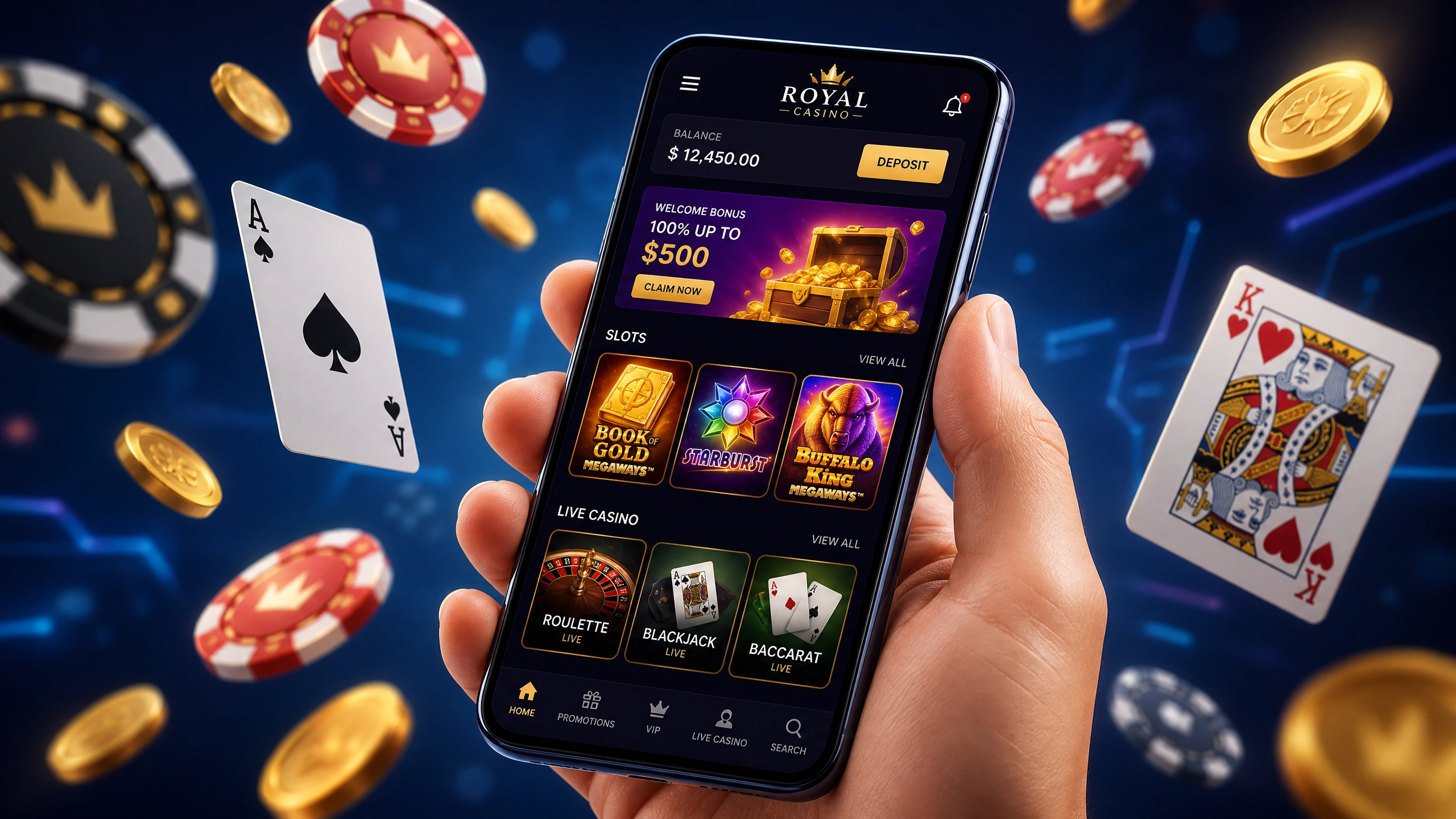
Android APK — Step by Step
iPhone / iOS — Add to Home Screen
The iOS web app carries the full lobby, the cashier and live chat — there is no feature gap versus the Android build.
App Features
Device Requirements
| Platform | Minimum | Storage | Source |
|---|---|---|---|
| Android | Android 6.0+ | ~60 MB | phoenix-official.net |
| iOS | iOS 13+ | — | Safari PWA |
| Connection | 3G / 4G / Wi-Fi | — | — |
📱 Get the Phoenix app
Android APK direct from phoenix-official.net. iPhone users: Safari → Share → Add to Home Screen. 18+.
⬇️ DOWNLOAD NOW →App FAQ
Is the Phoenix app free?
Yes. The Android APK is free to download from phoenix-official.net, and the iOS home-screen app costs nothing. You only fund your account when you choose to deposit.
Why is Android blocking the install?
Android blocks installs from outside Google Play by default. Go to Settings → Apps → your browser → Install unknown apps and enable the permission, then reopen the downloaded file.
Is there a Phoenix app on the App Store?
There is no native iOS App Store listing. Apple restricts real-money casino apps in many regions, so the iPhone experience runs as a Safari home-screen web app instead — same features, no download.
Can I claim the welcome bonus in the app?
Yes. The welcome offer of ₱60,000 + 250 free spins is available in the app exactly as it is on desktop. Deposit from ₱100 via GCash.
Does the app work on 4G?
Yes. The lobby and live-dealer streams are tuned for mobile data and hold up on typical 4G connections in Metro Manila, Cebu and Davao.